
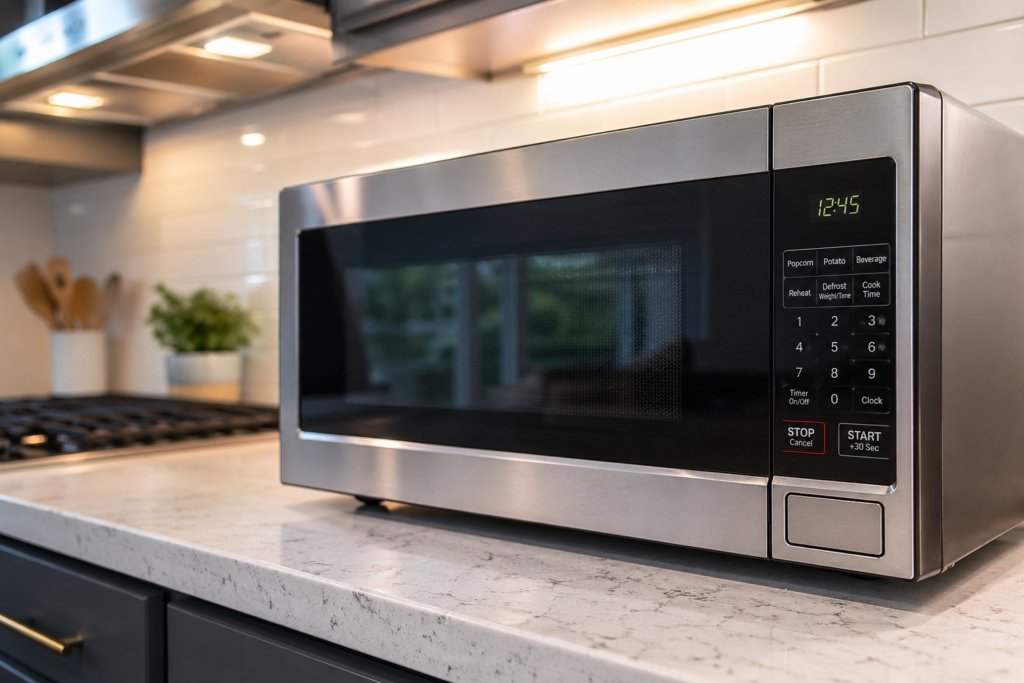
A microwave that costs $89 sits on the shelf next to one that costs $389, and nothing on either box explains the gap. Most people just grab whichever one looks less cheap and hope for the best.
The shelf doesn’t help. Neither does the spec sheet. Wattage, cubic feet, inverter technology, sensor cooking — it reads like noise until you know which of those numbers changes your morning and which ones exist to fill a marketing bullet point. I’ve spent enough time in sourcing meetings and spec reviews to know the difference. This is what I’d tell a friend standing in that aisle.
This post contains affiliate links. If you click and buy, I may earn a small commission — at no extra cost to you.
The Type Decision Nobody Explains Properly
Most guides bury this section three pages in. That’s backwards. Choosing the wrong microwave type is the most expensive mistake you can make — not because of the sticker price, but because you can’t easily undo it once it’s installed.
Three types exist: countertop, over-the-range (OTR), and built-in.
Countertop is what the majority of buyers should get. It sits on your counter, plugs into a standard outlet, and you’re cooking in five minutes. Sizes run from 0.7 to 2.2 cubic feet, prices from roughly $60 to $350. Yes, it takes counter space. That’s a kitchen layout problem, not a microwave problem.
OTR mounts above your range and doubles as a ventilation hood. It looks clean and frees up the counter. The catch: it’s not a real range hood. The exhaust is mediocre compared to a dedicated unit, installation takes two people and a couple of hours, and if it breaks you’re doing a full replacement job — not just swapping an appliance. OTR makes sense if counter space is truly gone and you were never going to install a proper hood anyway. Budget $300–$600+ and factor in installation costs.
Built-in goes inside cabinetry and is really a kitchen renovation decision dressed up as a microwave decision. Unless you’re already tearing apart your kitchen, skip it.
Nail down the type before you look at a single spec. It determines your budget range, your installation reality, and how stuck you are if something goes wrong down the line.
Wattage: The Number That Actually Matters
Of everything on the spec sheet, wattage is the only number with a direct, measurable effect on how the thing performs in your kitchen every single day. The rest of the specs sit below it in importance.
700–900W handles reheating coffee, defrosting a single chicken breast, warming soup. It works for one person or a small apartment, but runs 30–40% slower than a 1100W model on the same job. You feel that delay when you’re trying to get dinner on the table.
900–1100W covers most households. Everyday cooking without frustrating wait times, enough power for a full dinner plate without standing over it and rotating food manually. A 1000–1100W model is the right target for most families of two to four.
1100–1200W is for anyone who actually uses their microwave to cook rather than just reheat. Full pound of ground beef from frozen, large casseroles, multiple reheats back-to-back during a family dinner — this range handles it without slowing you down.
One thing the box skips: the wattage listed is output wattage, not draw. A 1100W microwave pulls closer to 1400–1500W from your wall outlet. On a circuit-sensitive setup — older apartment, RV, some rentals — that matters.
Don’t buy below 900W unless you have no other option.
The Inverter Story — and Why It’s Half True
Inverter technology gets sold like it reinvents the microwave. The reality is more specific than that — and worth understanding before you decide whether to pay for it.
Traditional microwaves only run at one speed: full power. Set them to 50% and they don’t deliver half power. They run at 100% for a few seconds, shut off, then back on again — cycling like a strobe. That’s why defrosted meat comes out cooked on the edges and frozen in the center.
Inverter delivers a steady, continuous stream of power at whatever level you choose. Set it to 50%, it holds 50%, constantly. Defrosting becomes significantly better. Reheating fish, chicken, or anything where texture is the difference between edible and rubbery — genuinely improved.
Where the “half true” comes in: if your microwave use is 80–90% reheating leftovers and making popcorn, inverter won’t change your experience in a meaningful way. The difference shows up clearly when defrosting meat, warming delicate proteins, or simmering a sauce. For everything else, a good non-inverter at 1100W is fine.
Panasonic developed inverter technology and still makes some of the most reliable implementations. The Panasonic NN-SN686S (1200W, 1.2 cu ft, ~$130–140) is a consistent benchmark — inverter plus their Genius Sensor, and one of the most even-heating models you’ll find under $150. At the premium end, the Breville Smooth Wave BMO850 (1250W, ~$250–280) is the best countertop performer I’d point someone toward if budget isn’t the constraint.
Under $120, don’t stress over the absence of inverter. A solid 1100W model with sensor cooking covers most household needs without it.
What Each Price Tier Gets You
Under $100 — Basic countertop, 700–900W, manual power levels that cycle on and off, no sensor cooking. The Toshiba ML-EM09PA (900W, 0.9 cu ft) and Black+Decker EM720CB7 (700W) live here. They’re reliable and honest about what they are. Just don’t expect more than reheating performance.
$100–$160 — This is where the meaningful jump happens. You get 1000–1100W, larger capacity (1.2–1.4 cu ft), and sensor cooking — the single feature that makes the biggest practical difference in day-to-day use. The Toshiba EM131A5C (1100W, 1.2 cu ft, sensor, ~$100–120) is the bestselling microwave on Amazon for a reason. It’s not exciting. It just consistently does the job.
$160–$250 — Inverter technology arrives. Better defrosting, options up to 1.6 cu ft, occasionally convection or air fry added in. The Panasonic NN-SN686S sits here — inverter plus sensor, excellent even-heat performance for the price.
$250–$400+ — Inverter plus sensor plus premium build quality plus quiet operation plus design details like soft-close doors. The Breville Smooth Wave is the reference point. It’s a real upgrade. It’s also a luxury upgrade — the performance difference over a $150 Panasonic is real but not night-and-day for most kitchens.
Above $400 for a countertop model, you’re largely paying for aesthetics and branding. The performance ceiling hits somewhere around $250–300.
The Feature Trap Most Buyers Fall Into
Convection microwave combos look great on paper — a microwave that bakes and roasts sounds like reclaiming cabinet space and getting two appliances in one. In practice, the cavity size limits airflow, results are inconsistent against a real oven, and cleaning becomes a project. If you have a working oven, a convection microwave solves a problem you don’t have.
Preset buttons — popcorn, potato, beverage, frozen dinner — are genuinely useful when they work for the specific foods you eat. They’re useless when you need the manual to decode what “auto cook category 3” actually does.
Smart connectivity adds $50–100 to the price. I’m not aware of anyone who uses their microwave app regularly past the first two weeks.
Two features are worth paying for: sensor cooking and, if your budget and usage justify it, inverter technology. Everything else is optional.
Mistakes I See Over and Over
Buying too small to save $30. A 0.7 cu ft microwave saves money upfront, then your standard dinner plate doesn’t fit and you spend the next three years rotating food manually because the turntable is undersized. Go to at least 1.0–1.2 cu ft unless counter space is a genuine hard constraint.
Looking at cubic feet instead of turntable diameter. The interior size is listed in cubic feet. What actually matters is whether your plates fit. A 1.2 cu ft model typically has a 12-inch turntable — a standard 10.5-inch dinner plate clears with about an inch on each side. Larger models (1.6–2.2 cu ft) run 13–14 inch turntables. If you use large casserole dishes or 13-inch plates, check the turntable spec directly. Not the cubic feet.
Treating an OTR as a range hood. OTR microwaves vent at 150–400 CFM. A proper range hood over a gas range should deliver 600 CFM minimum. If you’re replacing an actual hood with an OTR to save space, you’re making a real trade-off in kitchen air quality — especially over high-heat cooking. Worth reading about range hood CFM ratings before you decide.
Paying name-brand prices for budget-level internals. Some well-known appliance brands put their logo on entry-level components and price them at mid-tier. A $200 model without sensor cooking or inverter is a worse value than a $130 Toshiba or Panasonic that has both. The brand equity doesn’t show up in the food.
So Which Microwave Should You Buy?
Three questions, and you’re done.
Countertop or OTR? If you have any counter space and no existing OTR setup, go countertop. If you’re replacing an existing OTR and don’t want the installation work, get another OTR — minimum 1.6 cu ft and 1000W.
How do you actually use a microwave? Mostly reheating and the occasional defrost: a $100–120 model with sensor cooking handles it. Regular meat defrosting or cooking proteins: add inverter technology, budget $130–160. Family of four with heavy daily use: 1.2–1.6 cu ft, 1100W minimum, sensor plus inverter.
What’s your turntable diameter? Check it against your largest plates before buying. This step takes two minutes and prevents the most common source of post-purchase regret.
For most households, the honest answer lands at a 1.1–1.2 cu ft, 1100W model with sensor cooking somewhere between $100 and $150. That’s the practical center of this market. Here are my three picks by use case:
Best Value: Toshiba 1.2 Cu.Ft Countertop Microwave ($134)
👉 1000W, 1.2 cu ft, stainless steel — this covers reheating and basic cooking without paying for features you won’t use. Best if your microwave duty is mostly reheating leftovers and the occasional defrost.
Check Price on Amazon →
Best Overall: Panasonic NN-SN686S Inverter Microwave (~$299)
👉 1200W with inverter technology and Genius Sensor — the combination that actually changes how food cooks, not just how fast. Best if you defrost meat regularly or cook proteins in the microwave, not just reheat.
Check Price on Amazon →
Best Premium: Breville Smooth Wave BMO850BSS ($399.95)
👉 Inverter, sensor, and the quiet, precise operation that separates a premium microwave from a budget one. Best if you want the top of the category and don’t mind paying for build quality and quiet operation.
Check Price on Amazon →
THE BOTTOM LINE: Match wattage and cu ft to how you actually use a microwave, not what the box promises. Under $150 covers reheating and basic cooking. Add inverter technology once you’re defrosting meat or cooking proteins regularly. Above $400, you’re paying for build quality and quiet operation, not performance.
The math isn’t complicated once you cut through the box copy. Know your type, match wattage to how you cook, and don’t pay for features you’ll use twice.
Cheers,
Kazaan